Organic Grunge Cafe - WordPress
By : dtbaker Published on Friday, April 08, 2016,03:42:39 in Wordpress
 Latest Update: Version 1.0.4 on 2016-04-06.
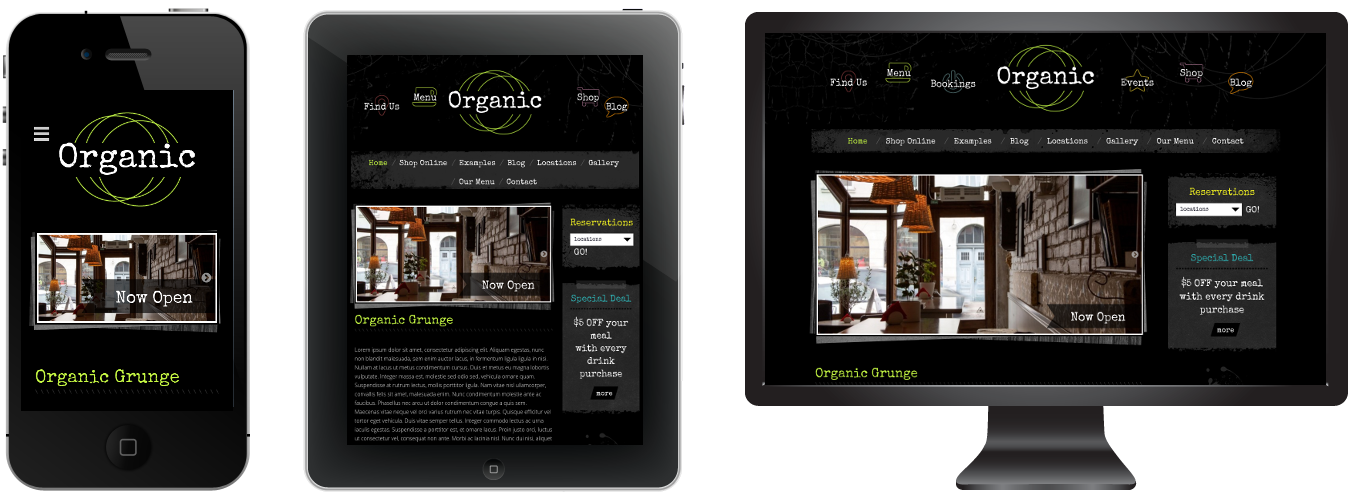
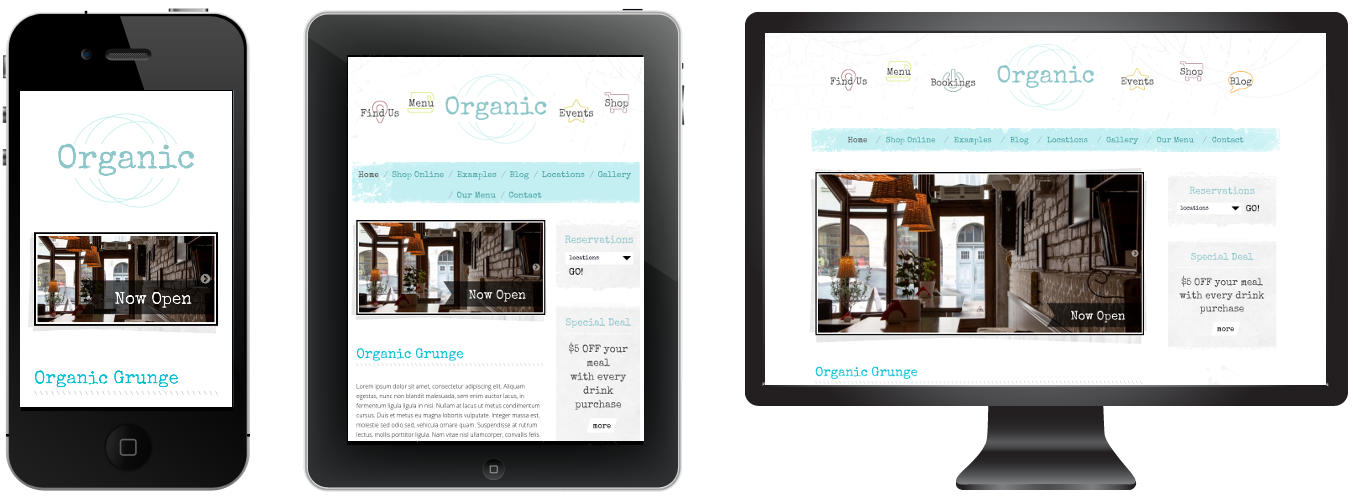
Organic Grunge is a creative WordPress theme that is easy to setup and comes with a great set of
graphics and features. This theme is perfect for your online creative shop, trendy cafe, restaurant, sports team, custom clothing store or anything that needs the “grunge” feel.
Latest Update: Version 1.0.4 on 2016-04-06.
Organic Grunge is a creative WordPress theme that is easy to setup and comes with a great set of
graphics and features. This theme is perfect for your online creative shop, trendy cafe, restaurant, sports team, custom clothing store or anything that needs the “grunge” feel.


Quick Setup Guide:
New to websites? Here are the steps you need to follow to get up and running with this website theme.- Purchase a “domain name” (e.g. yourbusiness.com)
- Purchase “WordPress website hosting” (hosting is the computer server that runs your website and emails 24/7)
- Some popular providers for domain names and hosting are: BlueHost, DreamHost and WPengine. Generally the more you pay the faster your website will load.
- Talk to your chosen hosting provider to setup your “WordPress” and make sure it works. You should be able to login to your “WordPress Dashboard” with a username and password.
- Once you are at this point, come back here and purchase this WordPress theme.
- Once purchased, go to http://themeforest.net/downloads and press “Download” and then “Installable WordPress file only”. This will download a small (less than 20MB) zip file to your desktop.
- Login to your WordPress dashboard, go to Appearance > Themes > Add New > Upload and choose the ZIP file you just downloaded.
- After uploading the theme to WordPress choose the “Activate” option
- Follow the setup wizard steps.
Requirements
Support


 We hope you enjoy this theme, we had a great time making it. Thanks!
Changelog:
Here is a list of theme changes:Date: 2016-04-06
– Fix installation wizard
Date: 2016-04-04
– Fix defaults and script positions
Date: 2016-03-31
– Fix back/next default nav button color
Date: 2016-03-02
– Initial Release


